cus-postnord
cus-col-apotek
cus-sporveien
cus-metro
cus-filmstaden
moc-document-and-touch-06

Keep HR documents moving from approval to signature

An employment contract needs a manager’s approval. A new employee still has paperwork to complete. Later, a change in role or working hours requires an amendment to their contract.

With Addo Sign, you can send documents to the right people and follow their progress. Set the approval and signing order, see which signatures are outstanding and reuse the setup for recurring HR processes.

Graph Stats Ascend
Employment contracts and offer letters

Send contracts, offer letters and supporting documents together, and choose which documents each recipient needs to sign.

Megaphone 1
Automatic reminders

Let Addo Sign remind employees and managers who have not yet signed their documents.

Shield Check
Approval before signing

Have a manager review and approve a document before it reaches the employee for signature.

Coding Apps Website Web Form Type
Employee information forms

Collect contact details and other employee information through digital forms with Addo Form.

Signature Sign
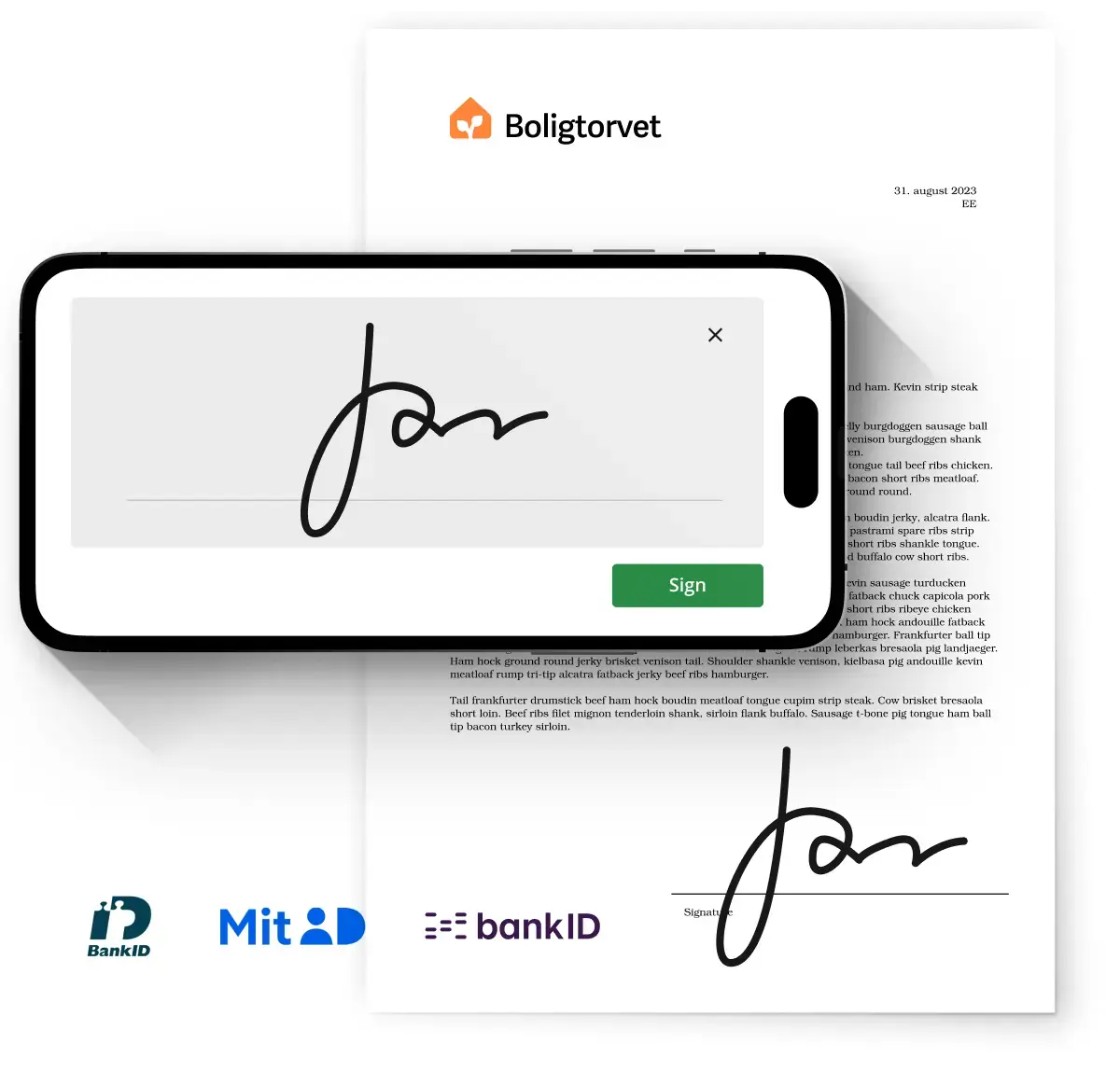
Signing from a phone or computer

Employees can open, read and sign their documents from a phone or computer, wherever they are working.

Professional Tool Google Drive
Reusable signing workflows

Save the setup for processes you use regularly, then adjust the documents and recipients for the next employee.
moc-addoform-pdf-06

Collect employee information before the first day

A signed employment contract is only part of the onboarding paperwork. HR also needs information from the new employee, and separate emails and attachments can make it difficult to keep track of their responses.

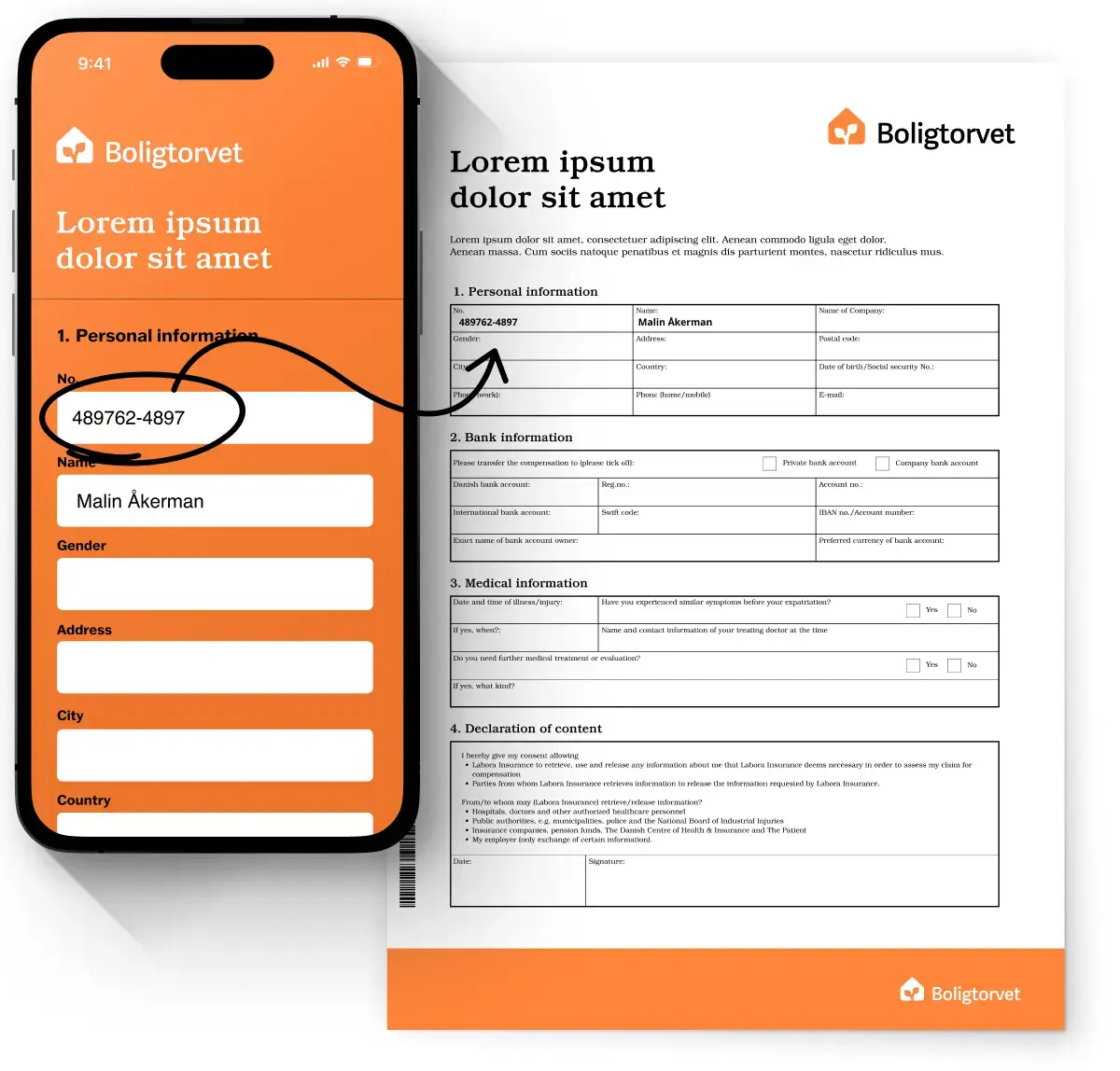
With Addo Form, you can create employee onboarding forms with the fields you need. Employees complete them from a phone or computer, and their answers can be transferred to your own PDF documents for signing.

Use the forms again when employee information needs updating later in the employment relationship.


cus-jeudan
cus-ncc
cus-di
cus-arkil
cus-attendo

Choose how employees identify themselves when signing

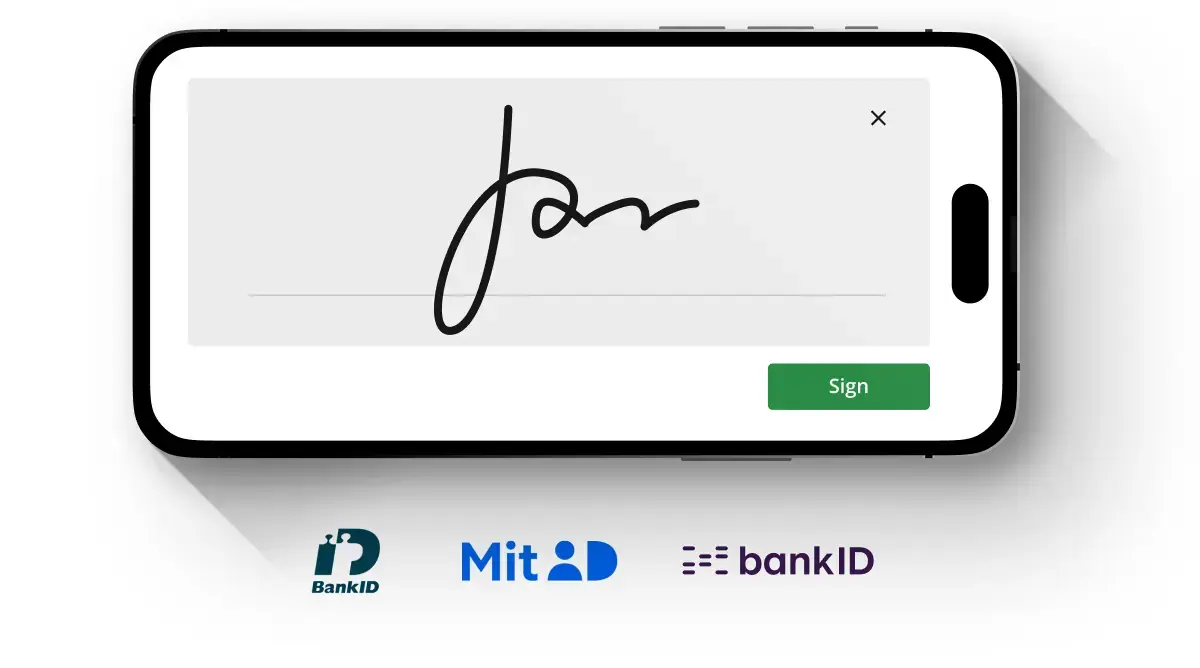
Some documents require you to verify the identity of the person signing. Addo Sign supports Nordic electronic identification methods, including MitID and BankID.

Choose the signing method that suits your recipients and the document. Employees receive a link to open the documents and complete the signing process.

moc-phone-touch-02
meeting-at-the-office-1200x1200-03

Get onboarding documents signed before work begins

When a new employee is due to start, HR needs to know whether their contract and other documents are ready. With Addo Sign, you can send the employment contract, confidentiality agreement and relevant attachments in one signing workflow.

Follow the status of each recipient and see whether you are waiting for the employee or their manager. Automatic reminders help you follow up on outstanding signatures.

The same process can support changes later on, such as an employment contract amendment when an employee moves into a new role.

Connect signing to your HR system

If your HR system has an Addo Sign integration, you can send documents for signature as part of the work you already do there.

Depending on the integration, a signing process can start when a contract is ready, and the signed document can return to the employee’s profile. The available options depend on your HR system and how the integration is configured.

Explore our integrations, or contact us to discuss the signing process you want to build.


copenhagen-birdview-1200x1200-01
cus-handelsbanken
cus-febo
cus-sydbank
cus-vibo
cus-danbolig

See how electronic signatures fit into your HR processes

We’ll show you how to send employment contracts for approval and signature, collect employee information and keep track of outstanding documents with Addo Sign.