Addo API

Build digital signing workflows into your own business applications. Create signing workflows, send documents for signature, manage recipients, track progress and bring completed documents back into your systems – without unnecessary manual steps.

2218333090-720x720

ADDO API

Digital signing, built into your business

Bring digital signing into the systems and processes your organisation already uses. With the Addo API, you can automate workflows, control complex signing processes and build signing around your specific requirements.

Build signing workflows automatacilly on the go

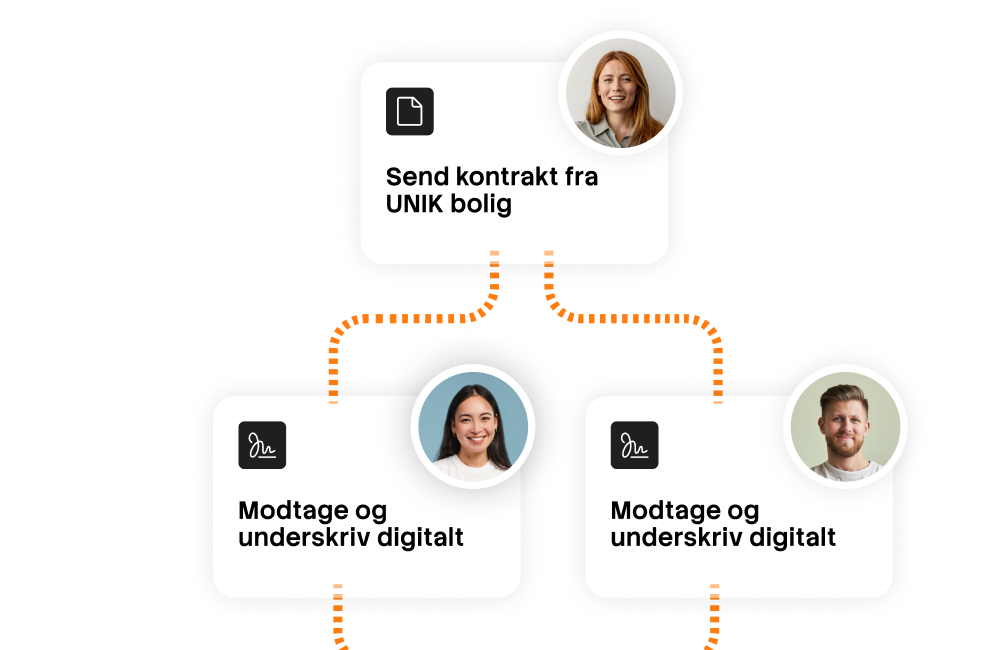
Create signing processes dynamically through the Addo API without relying on predefined templates. Define recipients, documents and signing settings for each individual process – giving your integration greater flexibility.

Explore the Addo API
Addo API signing workflow

Create even more advanced business workflows

Control how related document groups behave when something is rejected. Rejection dependencies make it possible to build more sophisticated multi-document signing and approval processes with the Addo API.

Talk to us about your integration
Advanced digital signing workflow

Build your own signing applications and bring your business to the next level

With the Addo API, digital signing can become part of the applications and business processes your organisation already uses – without requiring users to switch between systems.

Connect signing to your own workflows for contracts, approvals and other document processes, while Addo handles the signing process behind the scenes.

Talk to us about your integration
Digital signing integrated into business workflows
Create signing Ready
POST /api/v1/groups/{groupId}/signings
 
Response 201 Created
{
  "id": "8f32a7...",
  "status": "created",
  "message": "Signing created successfully"
}
FROM CODE TO SIGNING

Ready when you are.

The fastest way to understand an API is to start building with it. Add digital signing to your application, automate your first workflow and see how Addo Sign fits into the systems you already use.

  • Start in our demo environment

    Build and test your integration before moving into production.

  • Follow practical API examples

    Use the documentation to create your first signing and build from there.

  • Build the workflow you need

    Connect documents, recipients, signing events and your own business logic.

REAL-TIME EVENTS

Let your systems know when something happens.

Use webhooks to react to events throughout the signing process. When a document is opened, signed or completed, Addo Sign can notify your application so the next step can happen automatically.

Document opened Document signed Signing completed Rejected Cancelled
Get access to API
Signing events LIVE
A
Addo Sign Signing transaction
 
 
Document opened DocumentOpened
EVENT
 
Document signed DocumentSigned
EVENT
 
Signing completed Completed
EVENT
POST Webhook
Sending...
yourapp.com/webhooks/addo
{
  "event": "Completed",
  "signingId": "8f32a7..."
}
 
HTTPS
</>
Your application Webhook received
  200 OK
ADDO SIGN API

What can you build with the Addo Sign API?

Integrate digital signing directly into your own systems and automate the entire process – from documents and recipients to signing, status updates and completed documents.

Automate signing

Create signings automatically

Start a signing process directly from your own system without manually creating transactions in Addo Sign.

Send documents for signing

Transfer documents from your system and send them directly to the people who need to sign.

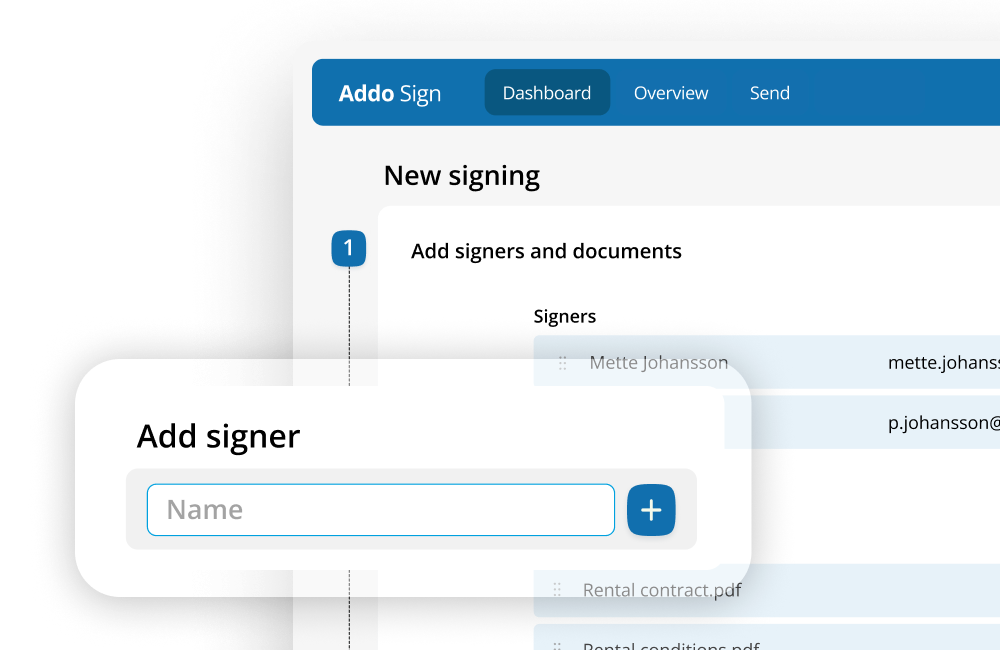
Add recipients dynamically

Use data from your own applications to determine who should receive and sign each document.

Use signing templates

Standardise recurring signing processes and reuse predefined configurations across transactions.

Handle multiple documents

Include the documents required for a process and manage them as part of the same signing workflow.

Retrieve completed documents

Bring signed documents back into your own system, document management solution or archive.

Build advanced signing flows

Work with multiple recipients

Create signing processes involving several people, organisations or other parties.

Control the signing sequence

Structure the order in which recipients take part in the signing process.

Organise recipient groups

Group recipients and build signing flows that reflect the way your business processes work.

Create dynamic workflows

Build signing processes programmatically when documents, recipients or workflow requirements vary.

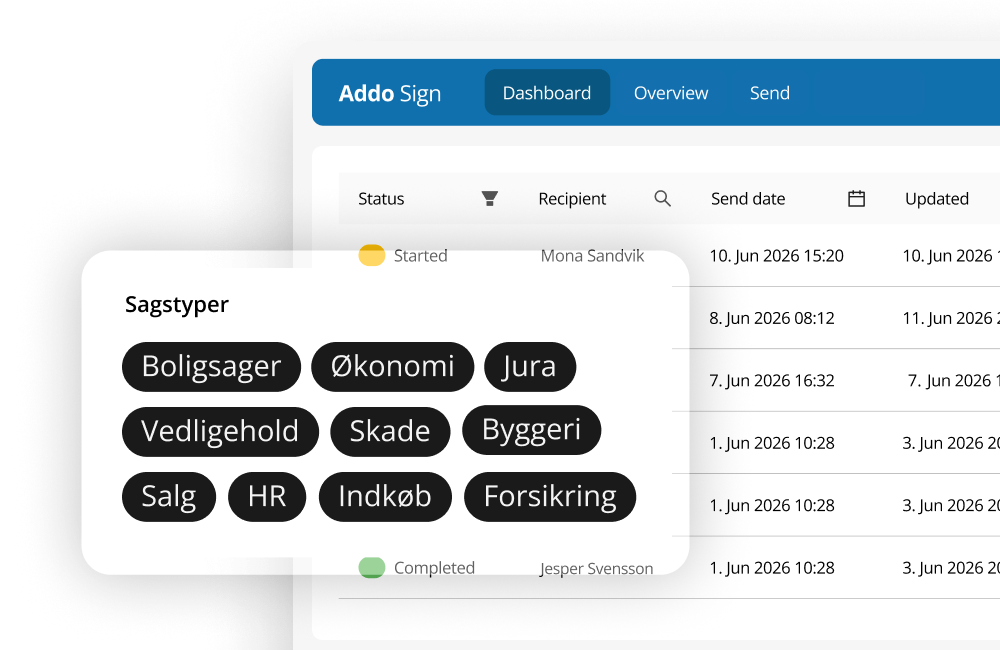
Track signing status

Let your application follow a signing process from creation through signing to completion.

Handle rejections and events

Let your workflow respond when a recipient rejects a signing request or the transaction changes state.

Connect signing to your systems

Use webhooks and callbacks

Notify your applications automatically when important events occur during the signing process.

React to completed signatures

Trigger the next step in your process automatically when recipients have signed.

Update your business systems

Use signing status to update processes in your CRM, ERP, HR platform or other business applications.

Automate document archiving

Use completed documents in automated workflows that move them into your DMS, archive or other storage.

Integrate signing into your applications

Make digital signing part of your own software, platform or self-service solution.

Build end-to-end workflows

Combine the API with events and callbacks to move documents from your system to signing and back again.

ONE CONTINUOUS WORKFLOW

From document to signed. Automatically.

Let your application handle the entire document lifecycle. Upload a document, create the signing, send it to the recipient and bring the completed document back into your own workflow.

  • Start the process from your own application
  • Follow signing status as the process progresses
  • Retrieve the completed document automatically
Get access to API
Signing workflow Ready
employment-contract.pdf Ready to upload
1
Upload document POST /api/v1/uploads
Waiting
2
Create signing Configure document and recipients
Waiting
3
Send to recipient Jane Doe · jane@example.com
Waiting
4
Document signed Recipient completes the signing
Waiting
5
Retrieve document Return the completed file to your system
Waiting
Signing completed employment-contract-signed.pdf is ready
COMPLETED
Addo Sign API
POST /api/v1/uploads
Authorization: Bearer YOUR_ACCESS_TOKEN
Content-Type: multipart/form-data

formfile: contract.pdf
Response
{
  "storageId": "20f913b9-f113-...",
  "name": "contract.pdf",
  "contentType": "application/pdf"
}
POST /api/v1/groups/{groupId}/signings
{
  "fileGroups": [
    {
      "id": 1,
      "name": "Contracts"
    }
  ],

  "files": [
    {
      "storageId": "20f913b9-f113-...",
      "isSigningRequired": true,
      "fileGroupId": 1
    }
  ],

  "recipients": [
    {
      "name": "Jane Doe",
      "email": "jane@example.com",
      "recipientGroupId": 1
    }
  ]
}
EVENT Completed signing
{
  "callbacks": [
    {
      "url": "https://your-domain.com/signing-completed",
      "type": 1
    }
  ]
}
Completed · Type 1 Trigger your workflow when the signing is completed and the signed documents are ready.
GET /api/v1/signings/{signingId}/files
[
  {
    "id": 80260,
    "name": "contract.pdf",
    "isCompleted": true,
    "requireSigning": true
  }
]
GET /api/v1/signings/{signingId}/files/{fileId}/data
READY TO BUILD?

Start integrating with the Addo Sign API

Build digital signing directly into your applications and workflows. Use our REST API to create signings, manage recipients, react to events and retrieve completed documents.

REST API Webhooks Bearer authentication Signing templates Demo environment
View API documentation
Addo Sign API

Get access

The Addo Sign API lets you trigger, manage, and track signing processes directly from your own systems. Because it gives direct programmatic access to your signing environment, API access is a controlled feature in Addo Sign — it must be requested and enabled by our team before you can start integrating.

  • Access is granted after a short conversation with our team about your use case
  • A dedicated test environment can be provided to validate your integration
  • Production access is enabled once your integration is ready to go live

Ready to get started?

Contact us through our contact form to request API access. We'll help you scope the right setup, including a test environment if you need one.


Request API access

We typically respond within 1–2 business days.

Questions & answers